
Blockvarianter
This column block can be used to display different pages. Simply by dragging and dropping the page into the content area below. You can use any page. Heading, image and introtext is set under "list properties" on selected page.
Column block
This column block can be used to display different pages. Simply by dragging and dropping the page into the content area below. You can use any page. Heading, image and introtext is set under "list properties" on selected page.


Contact block
Use this block to show one or several contact items. You have two different layout options: large or small portrait.

- Karl Gustafsson
- Head of IT
- +46 72 222 81 88
- karl.gustafsson@ramudden.se

- Niklas Trieb
- Group Marketing & Communications
- +46 70 993 84 66
- niklas.trieb@ramudden.se

- Thomas Härdin
- CIO / IT manager
- +46 70 252 42 81
- thomas.hardin@ramudden.se

Image and text block
This block is created to show a large image together with text. You can select if you want the image on the right or the left hand side.
As you can see here, you need a certain amout of text to get a good looking layout.

Promo block
This block is perfect when you want to create a brief promo where you highlight a specific service, a product or something else you want to promote. You can select if you want the image on the left or right side.
Below you can add a button to the page you want to link to.
Read moreProduct carousel block
This block can be used to display a selection of product detail pages.


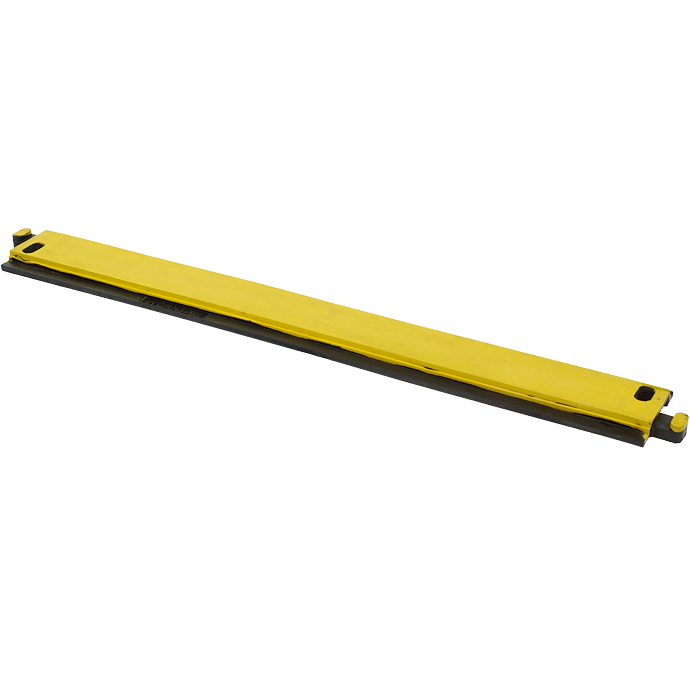
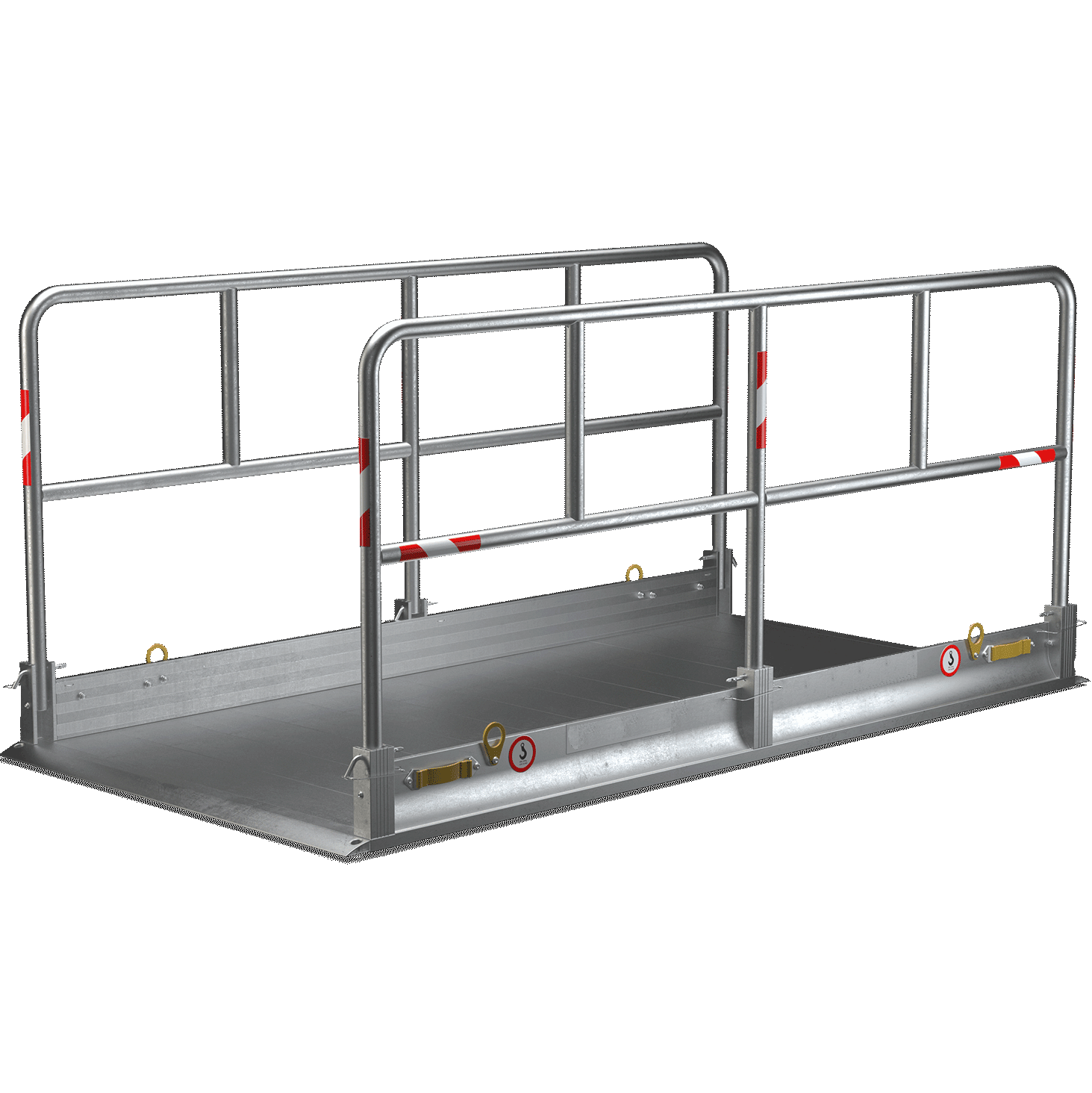
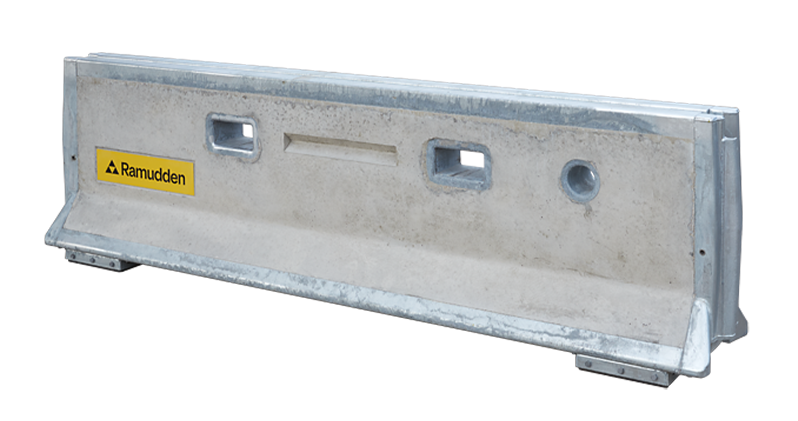
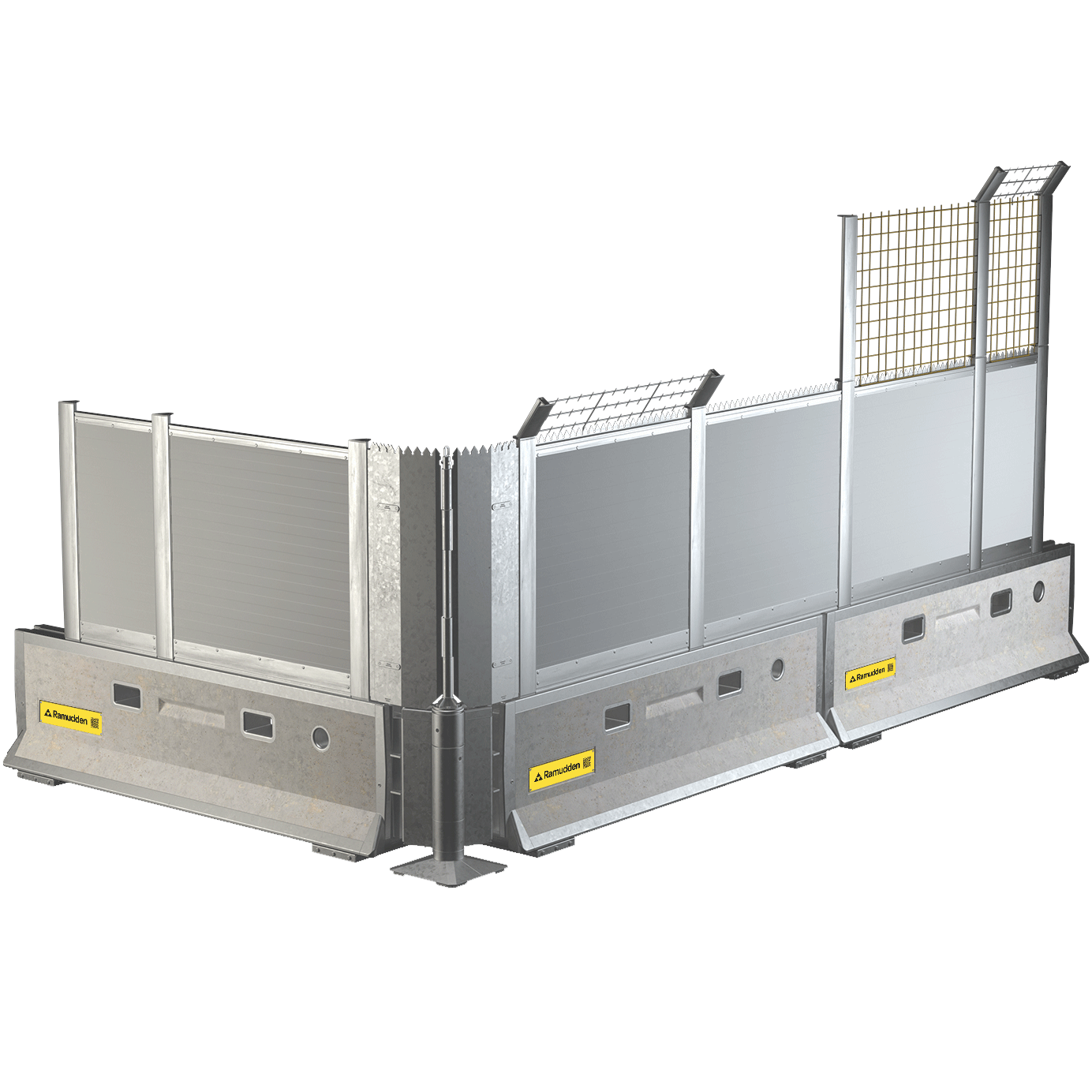
Product category block
This block can be used to display featured product category pages. Drag and drop selected pages into the content area below. Button is optional.

Text block
This is a simple textblock to be used when you want to create a page or a block including only text.
Map block
This can only be used when you are using depot detail pages. Drag and drop into content area below.
Media block
This media block can be used to show static image or youtube video.

Picture collage block


Test block
And the text goes here.
Map block
This can only be used when you are using depot detail pages. Drag and drop into content area below.